
| TOGETHER WITH |  |

 Microsoft Copilot's $30 Problem Microsoft Copilot's $30 Problem
|
|
This $7 AI Tool Solved the One Thing Midjourney Can't
|
|
You're Picking the Wrong AI Video Tool
|
What else happened today?What AI tools should I be using?Good Morning Thorium Valley, welcome back to The Lab.
Today we're checking in on Microsoft's $30 office AI assistant, which just got a big upgrade because Microsoft itself admitted the original wasn't worth opening.
We're also testing a cheap image generator that claims it solved the one thing every other AI art tool still can't do: put readable text on a picture.
And we're figuring out why everyone's picking the wrong AI video tool, and what you should actually be looking for instead.
Quickly before we dive in — What's your honest reaction when someone recommends a new AI tool?
PRODUCTIVITY
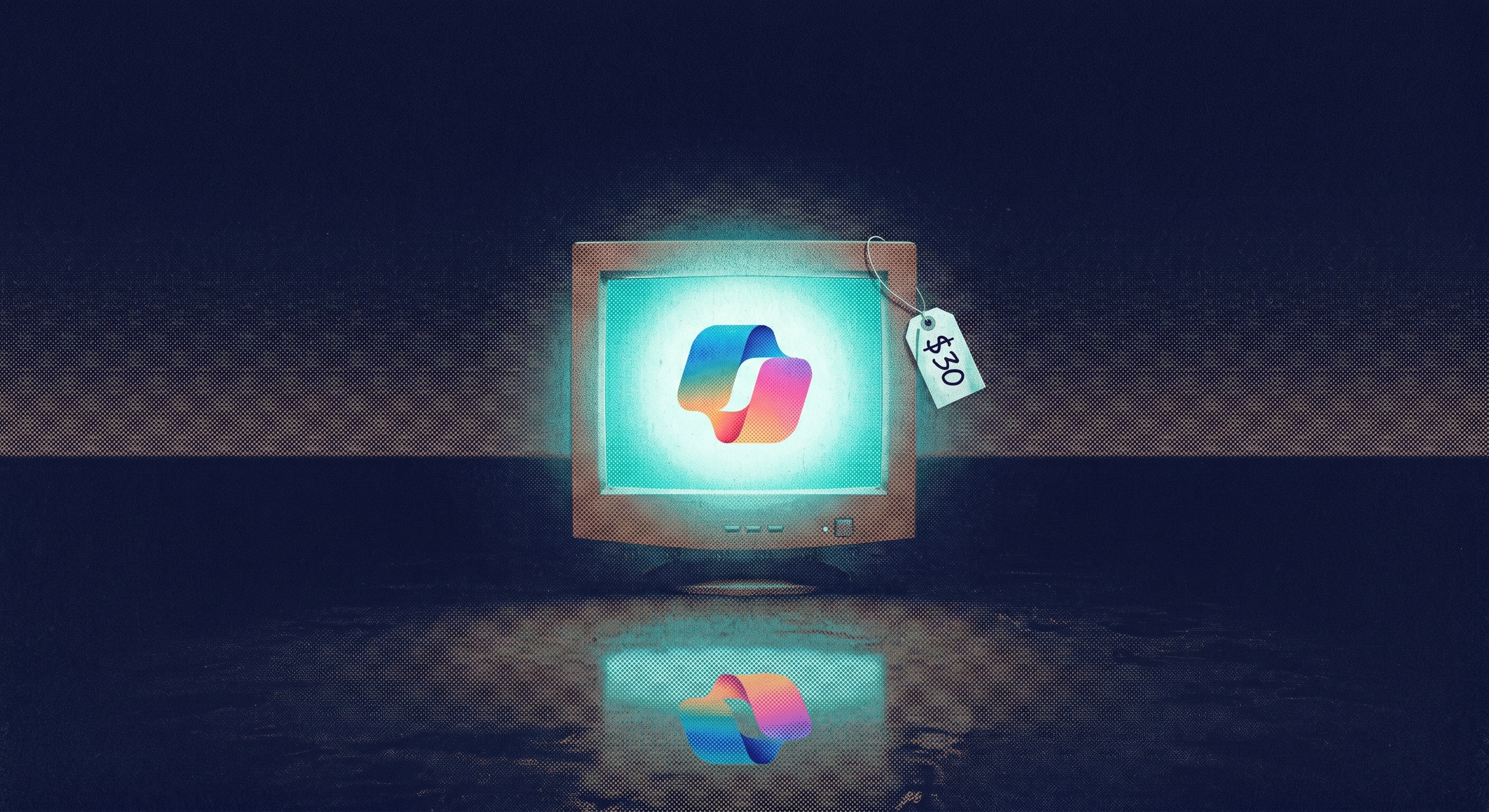
Microsoft recently called its own $30/month AI assistant "passive." Their word, not ours. After two years of enterprise complaints and a 3.3% adoption rate across 450 million commercial seats, the company shipped Agent Mode for Word, Excel, and PowerPoint — essentially admitting the original product wasn't worth opening.
Agent Mode lets Copilot actually do things instead of waiting for step-by-step instructions. In Excel, it can now clean a dataset, build a chart, and write an analysis in one go. Microsoft's own numbers show Excel engagement jumped 67% after Agent Mode launched, and Word saw a 52% bump. Independent testers at Office Watch found it genuinely useful in those two apps — but described it as a fast editor that occasionally invents facts. PowerPoint still generates mediocre slides you'll spend 20 minutes fixing.
The real problem isn't quality anymore — it's the math. A survey of over 150,000 enterprise users with access to Copilot, ChatGPT, and Gemini simultaneously tells the story:
- Only 8% preferred Copilot. ChatGPT's workplace conversion rate was 83.1%. Copilot's was 35.8%.
- Roughly two out of three people given Copilot licenses just stop using it.
- Most enterprise buyers and analysts still can't quantify hard-dollar ROI from usage.
Meanwhile, Google is bundling Gemini into standard Workspace plans at no extra cost, and Claude gives you better writing quality at $20/month.

If you live in Excel and Word all day, Agent Mode is a real improvement and Copilot deserves a second look. But if your company is debating a blanket rollout, don't. License it for analysts, meeting-heavy managers, and anyone drowning in SharePoint docs. For everyone else, Claude at $20/month does more with less friction — and you won't need IT to deploy it.
TOGETHER WITH LITTLEBIRD
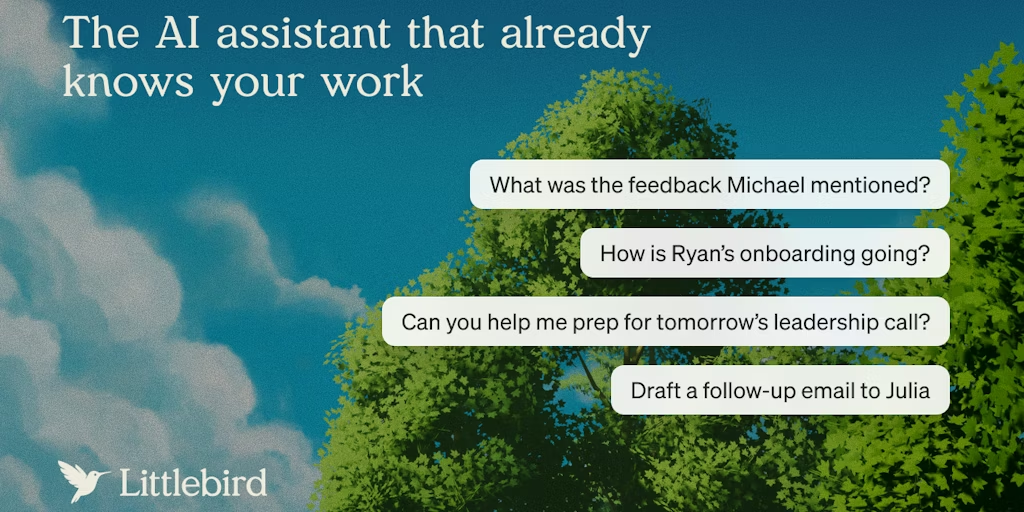
Littlebird is your AI memory for every meeting, tab, and thing you worked on. It watches your screen, takes notes in real time, and remembers everything — so when you forget where you saw something, you just ask.
No more retracing your steps through old emails, notes, and browser tabs. Littlebird gives you instant recall across your entire workday.

DESIGN
Ask Midjourney to make a "Sale 50% Off" banner and you'll get something like "Slae 05% Fof." That's not an exaggeration — it's a near-universal experience across every major image generator, and it's been the single most frustrating limitation of AI visuals since they launched. Ideogram exists because its founders decided to fix that specific problem.
The reason text is so hard for AI image generators is fundamental: these models don't actually understand language in an image — they're pattern-matching pixels, not reading words. Ideogram's CEO Mohammad Norouzi said at the launch of Ideogram 3.0 that text coherence was the specific flaw they built the company around solving. And based on what users are saying, they mostly pulled it off — with many reporting accurate text rendering roughly 99% of the time.
The pricing alone makes it worth a look:
- Ideogram starts at $7/month with a free tier
- Midjourney starts at $10 and runs up to $60
- ChatGPT image generation requires a $20/month Plus subscription
For anyone who needs a social post, menu graphic, or product mockup with readable words on it, Ideogram is the cheapest path to something you can actually use.
Now, Ideogram is not going to win a beauty contest against Midjourney. If you want a cinematic concept painting with perfect lighting and atmosphere, Midjourney is still better. But most people using AI images at work don't need cinematic concept paintings — they need an Instagram carousel that says "NEW MENU" without spelling it "NWE MNEU." The catch is that Ideogram's moat is shrinking. Reve Image recently topped the Artificial Analysis leaderboard with strong text rendering at roughly $0.01 per image, and Google's Nano Banana 2 and newer ChatGPT image tools are improving fast. What Ideogram still has is the simplest workflow at the lowest price for someone who needs to open a browser, type a prompt, and get a usable commercial graphic with accurate text in under a minute.
If you make social graphics, menus, posters, Etsy listings, or anything else that needs legible text baked into the image, Ideogram at $7/month is the easiest recommendation in AI image generation right now. If you care more about visual artistry, Midjourney still wins on aesthetics. And if you already pay for ChatGPT Plus, test its image generation first before adding another subscription. For everyone else, start with Ideogram's free tier and see if it covers you.
DESIGN
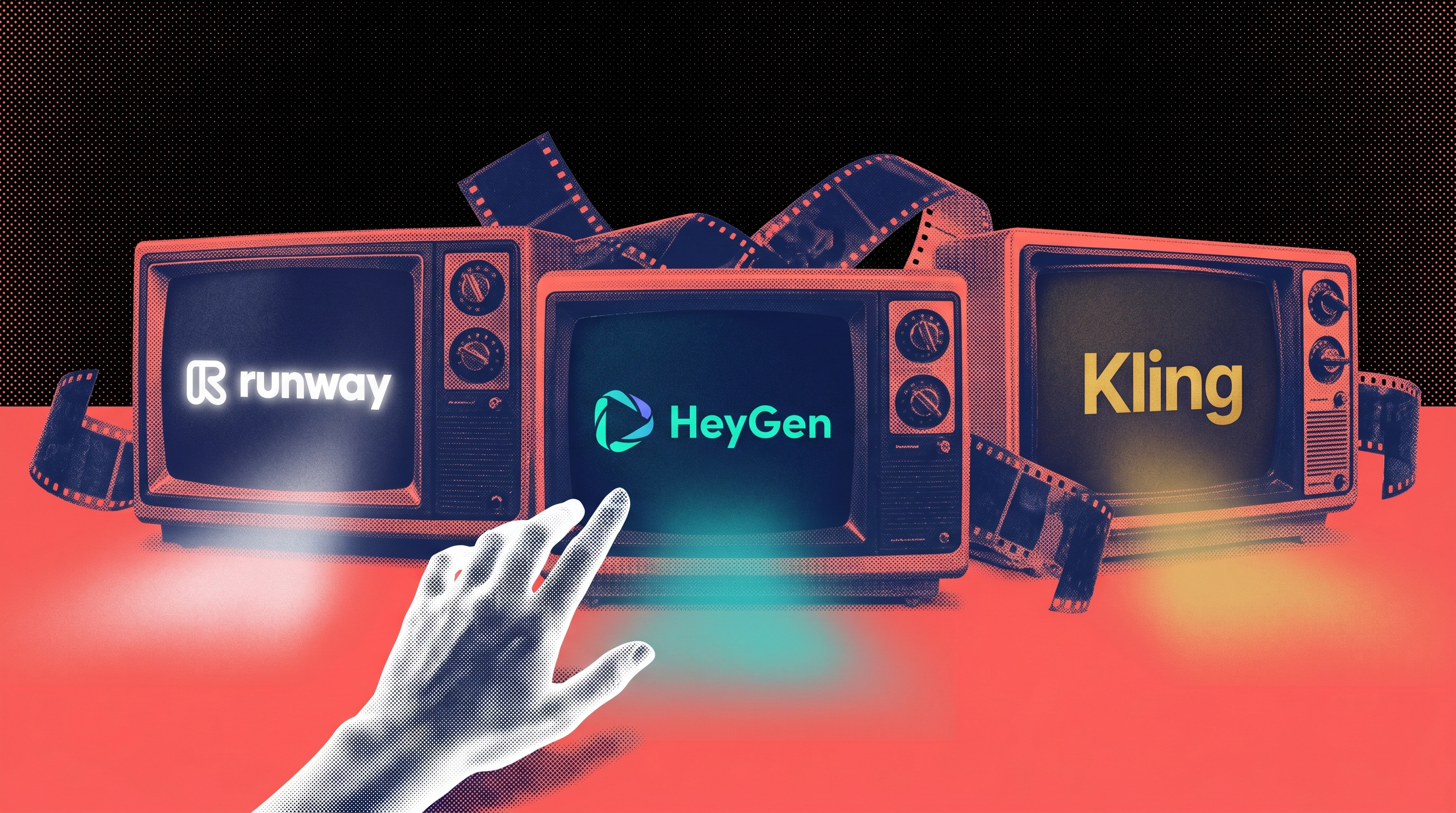
There are roughly 50 AI video generators right now and most comparison articles rank them by output quality. That's useless advice in 2026. The top models are so close together that most humans can't perceive the difference. Picking a video tool based on which one looks slightly better is like choosing a car by paint color.
The real decision is what kind of video you need — and the market has quietly split into three lanes:
- Cinematic tools like Runway ($12/month) are for visual storytelling, concept work, and anything where camera control matters. Runway just formed a preferred API partnership with Adobe, offering limited-time exclusive access to Gen-4.5, which tells you exactly who this is for: professionals already living in Premiere and After Effects. The output is genuinely cinematic, but it can be pricey and still struggles with basic physics — beautiful footage that's occasionally nonsensical.
- Business presenter tools like HeyGen ($29/month) and Synthesia ($29/month) don't generate scenes at all. They generate a person talking on camera. Write a script, pick an avatar, get a training video in 175+ languages without filming anything. This is where most office workers should be looking. Nobody on your team needs cinematic B-roll. They need the onboarding video that's been on the backlog for six months.
- Fast social generators like Kling, Pika, and MiniMax's Hailuo are the volume play. Hailuo alone produces millions of videos daily across 90+ countries. These tools spit out 3 to 12 second clips for TikTok and Reels. They're fast, cheap, and imperfect — but Kling in particular offers the best balance of quality and cost.
Meanwhile, OpenAI abruptly discontinued Sora in the consumer app and API. The company that was supposed to dominate AI video just walked away from it. That tells you how unsettled this market still is.
If you make creative or concept videos, Runway inside Adobe's ecosystem is the pro choice. If you need talking-head business videos at scale, HeyGen or Synthesia will save you more time than anything else here. If you need fast social clips, try Kling's free tier before paying for anything. And if you're still comparing all these tools on output quality alone, you're asking the wrong question. Flexibility matters a lot more than which model renders slightly better skin tones.

IN OTHER NEWS
+ Google signed a classified AI deal with the Pentagon for "any lawful purpose" — one day after 600+ employees signed a letter begging them not to
+ The White House is quietly trying to bring Anthropic back after blacklisting the company two months ago — one source called it a plan to "save face and bring em back in"
+ Elon Musk and Sam Altman are finally in court — a month-long trial over whether Altman betrayed OpenAI's nonprofit mission, with Satya Nadella and Musk's ex-board member (and mother of four of his children) set to testify
+ OpenAI hit 10 gigawatts of AI computing capacity years ahead of its 2029 target
+ An Alabama lawyer got banned from filing anything in the state Supreme Court after his AI-written briefs cited cases that don't exist — even his promise to stop was followed by two more fake citations
+ A federal court hit OpenAI, Sam Altman, and Jony Ive with an injunction after a startup alleged Altman's hardware chief stole trade secrets — including downloading secret files 11 days after their TED talk went viral
+ Bipartisan lawmakers introduced the biggest AI bill yet, combining 20+ proposals into one package covering deepfake penalties, whistleblower protections, and federal AI standards
+ Adobe is being sued by its own investor for allegedly training AI on pirated books using an "ask forgiveness not approval" strategy

AI TOOLS
+ Wispr Flow (sponsored): The new viral voice-to-text AI for iPhone and Mac that actually understands what you're saying every time
+ Superpower (sponsored): The health app that tests your blood and uses AI to tell you what's actually going on with your body before your doctor does
+ Adobe Firefly AI Assistant: Now in public beta, you can describe what you want to create in plain English and Adobe's new assistant will orchestrate the work across Photoshop, Premiere, Lightroom, and 60+ pro tools — batch editing photos, building mood boards, and creating social content without opening each app yourself
+ Adobe for Creativity in Claude: A new connector that brings 50+ Adobe tools directly into Claude's chat — edit photos, design social assets, resize videos for Reels or Shorts, and pull Express templates without ever leaving the conversation
+ Amazon Quick: AWS launched a desktop AI assistant that connects to your local files, calendar, Google Workspace, Zoom, Microsoft 365, and Salesforce in one place — and it can build presentations, live dashboards, and even full apps just from a text description
+ Visual Studio + Cloud Agents: Microsoft's April update lets developers launch remote AI coding sessions directly from Visual Studio, plus a new Debugger Agent that can take a bug report, reproduce the issue, set breakpoints, run the debug session, and suggest a fix — all on its own
+ Logic: A new platform where you describe what you want an AI agent to do in plain English and it handles the rest — infrastructure, memory, model routing, everything — with a free tier and 250+ organizations already running 4 million agent executions on it
That's the Lab for this week. If a tool in here saved you time or wasted it, tell us — reply directly.
Written by Jason Chen, Advait Prakash, Andrew Hales, and the Thorium Valley crew.
That's all for today's Lab. See you next time.