

 ChatGPT Just Became a Design Tool ChatGPT Just Became a Design Tool
|
|
Everyone Has Grammarly. Nobody Knows If They Still Need It.
|
|
Midjourney Is Still Gorgeous. It's Also the Wrong Tool for Most of You.
|
What else happened today?What AI tools should I be using?Good Morning Thorium Valley, welcome back to The Lab.
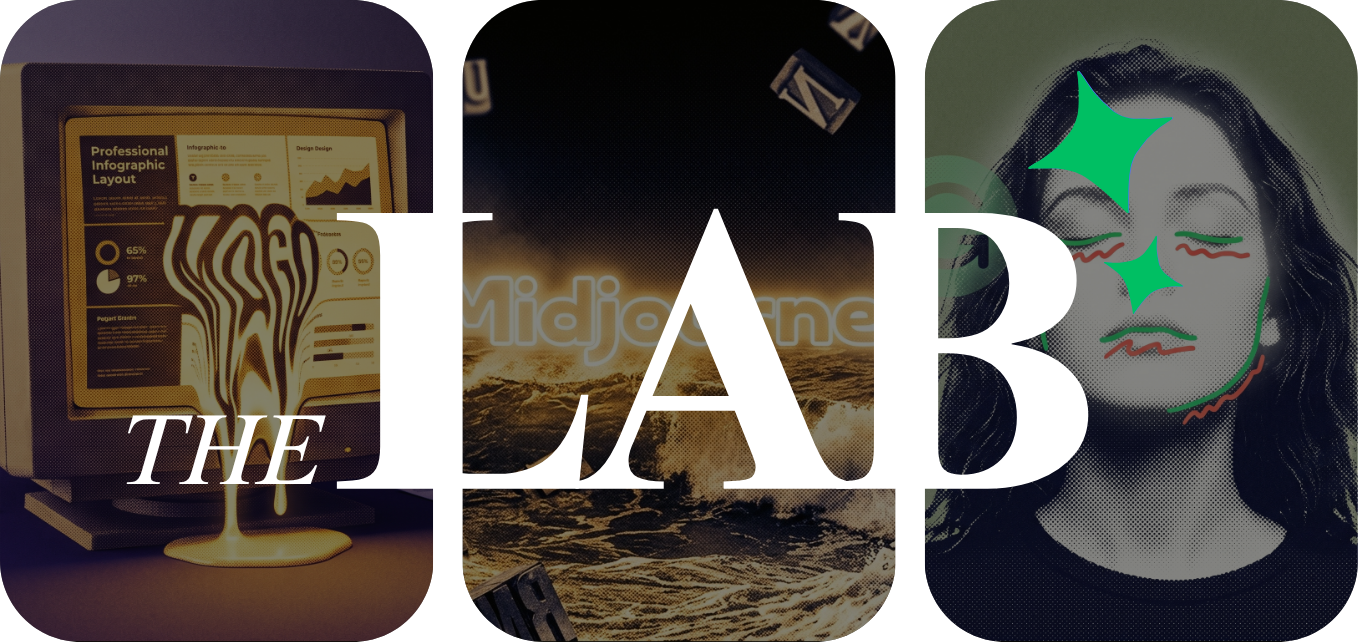
Today we're checking out the chatbot that just turned itself into a full-on design tool to see how far you can actually push it.
We're also looking at that spell checker that's been quietly living in everyone's browser for years and now wants to be your full-time writing coach, so we're figuring out if the paid version is actually worth it.
And we're testing the AI art tool that makes the most beautiful images on the market but somehow still can't spell a three-word headline.
Quickly before we dive in — When an AI tool gives you a wrong answer, what do you do?
DESIGN
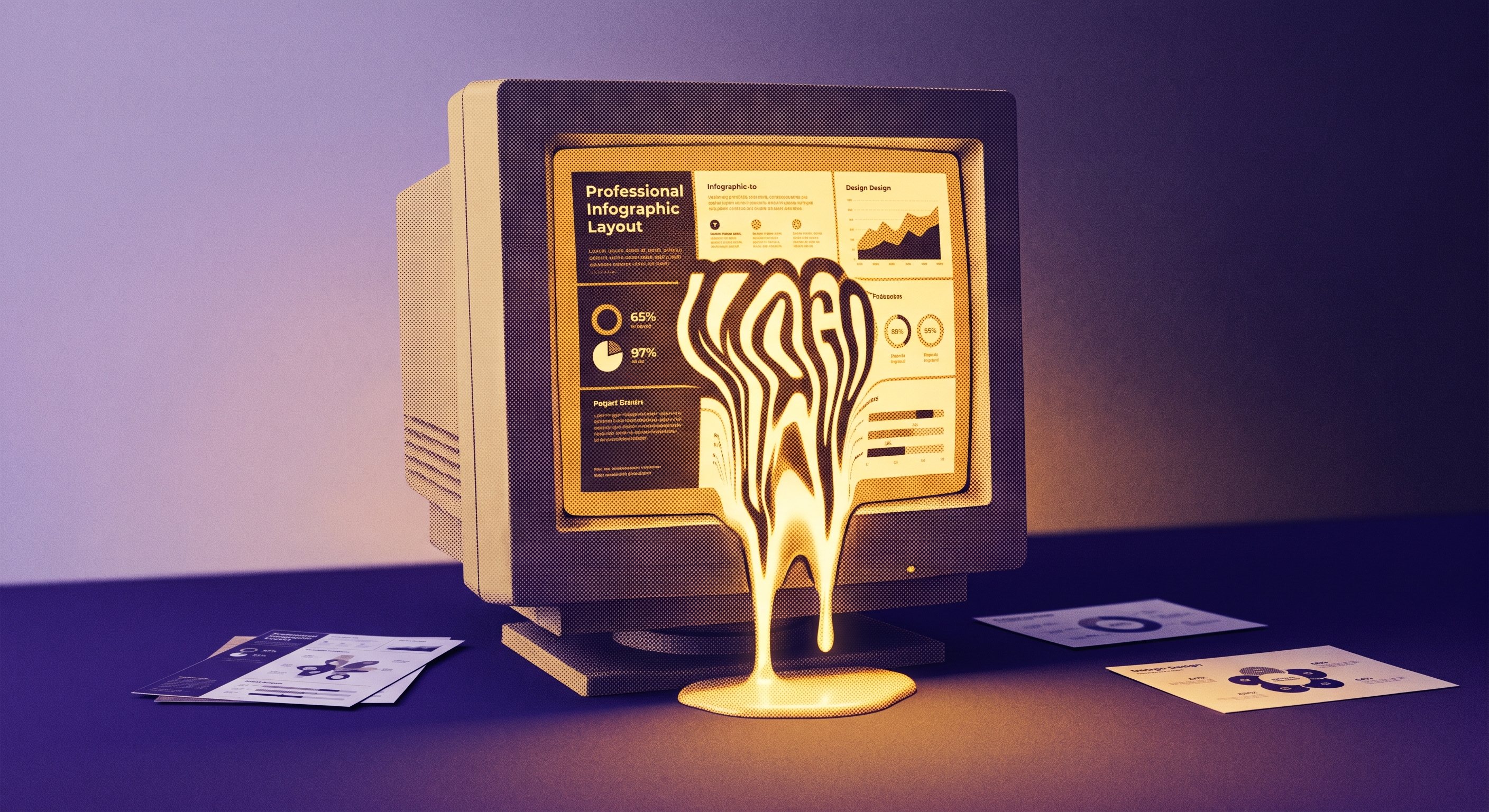
ChatGPT Images 2.0 rolled out this week and it's not the image generator you remember. Ask it to build an infographic about tomorrow's weather in San Francisco and it will search the web, pull real data, design the layout, and render every word correctly. It generates up to eight images from a single prompt, supports text in Japanese, Korean, Chinese, Hindi, and Bengali, and outputs at 2K resolution.
Text rendering is the real story here. AI image tools have been useless for anything with words on it for years. Images 2.0 jumped from roughly 70% accuracy to north of 95% across multiple languages. That single improvement turns ChatGPT from an art toy into something you can use to produce actual work materials.
ZDNET's David Gewirtz tested it by feeding in a press release and asking for a branded infographic. The infographic was great. The logo was a disaster. The model rendered ZDNET's Z with a droop, then pulled a pre-2022 version of the logo from somewhere, then added a rudder shape to the letter D. Three sessions, three different wrong logos.
That pattern kept showing up elsewhere. AI researcher Gary Marcus ran a labeled bicycle diagram test and got confidently wrong results: brake pads floating off the rim, a rear derailleur stuffed inside the wheel, a spoke label pointing at empty space. Stanford's 2026 AI Index calls this "jagged intelligence." The same system that renders flawless magazine covers doesn't understand how a bike chain works.
So what does this actually mean for you? If you need quick infographics, social media sets, or visual explainers for a presentation, ChatGPT Plus at $20/month now handles that without opening Canva. The "Thinking" mode on Plus and Pro tiers lets the model reason through layouts and search the web before it generates anything. Free users get the base model with lower rate limits. OpenAI's Adele Li called it "a creative assistant," and for first drafts that's about right.
The freelance design market is already feeling it. Lighter graphic work like social posts and ad layouts is drying up fast, and gig platforms are filling with AI-generated artwork that human designers get hired to fix. The designers who are fine are the ones whose value was never "make this look decent." AI does decent now.

If you already pay for ChatGPT Plus, start using Images 2.0 for first-draft infographics, social graphics, and visual explainers. It's genuinely good at those. Do not trust it with logos, technical diagrams, or anything requiring precision you can't personally verify. If your work needs templates, brand kits, or layered editing, keep Canva. For most people the real answer is both at $35/month combined.
WRITING
Grammarly has 40 million daily users. It sits in your browser, your Slack, your Gmail, quietly catching "teh" and "recieve" before anyone notices. That part still works. The question is whether anyone should still be paying $144 a year for it.
Grammarly Pro costs $12/month billed annually or $30 month-to-month. For that, you get a plagiarism checker, full-sentence rewrites, tone adjustments, and 2,000 generative AI prompts per month. The free tier covers basic spelling and grammar with 100 AI prompts. Most people who cancel Premium say the free version handles about 80% of what they actually needed.
One developer who spent two years on Premium put it bluntly: "Slack is probably 80% of the value." He said Grammarly saves him 20 to 30 minutes a day just by catching typos so he doesn't have to reread every message before hitting send. That's a real benefit. But it's also a benefit that comes with the free tier.
The Premium features are where things get shaky. Grammarly's AI detector, the one that's supposed to tell you if your writing sounds like it was written by a bot, flags human writing as AI-generated with alarming frequency. Stanford researchers found that AI detectors classified 61% of essays by non-native English speakers as AI-generated. Professor James Zou called detectors "clearly unreliable and easily gamed." Grammarly is charging for a feature the research community considers broken.
Then there's the style enforcement. Grammarly used to fix your mistakes. Now it constantly suggests rewriting sentences that are perfectly fine, pushing everything toward the same flat corporate tone. One Reddit user on r/Grammarly asked what plenty of people are thinking: "How is this service still going so hard with ChatGPT and other contenders?" The subreddit for freelance writers was even more direct, with one user saying Pro "never was worth the money."
And that's the core problem. Claude does long-form editing, rewrites, and tone adjustment better than Grammarly Pro, and it actually understands context instead of just underlining words it doesn't like. The tradeoff is that you have to copy-paste your text into a separate window instead of getting corrections inline. Whether that convenience gap is worth $144 a year depends entirely on how much you type in Slack versus how much you write longer documents.
Grammarly clearly knows this. The company recently rebranded its paid suite as "Superhuman," bundling in email features, a personal AI assistant, and productivity agents. Your next renewal isn't for the grammar checker you signed up for. It's for a platform you never asked for.
If you write a lot of short messages in Slack and email all day, the free tier of Grammarly is genuinely useful and you should keep it installed. If you're paying for Pro, cancel it, use the free version for typo catching, and use Claude for anything that requires actual editing, rewriting, or tone work. You'll save $144 a year and get better results on the stuff that matters.
DESIGN
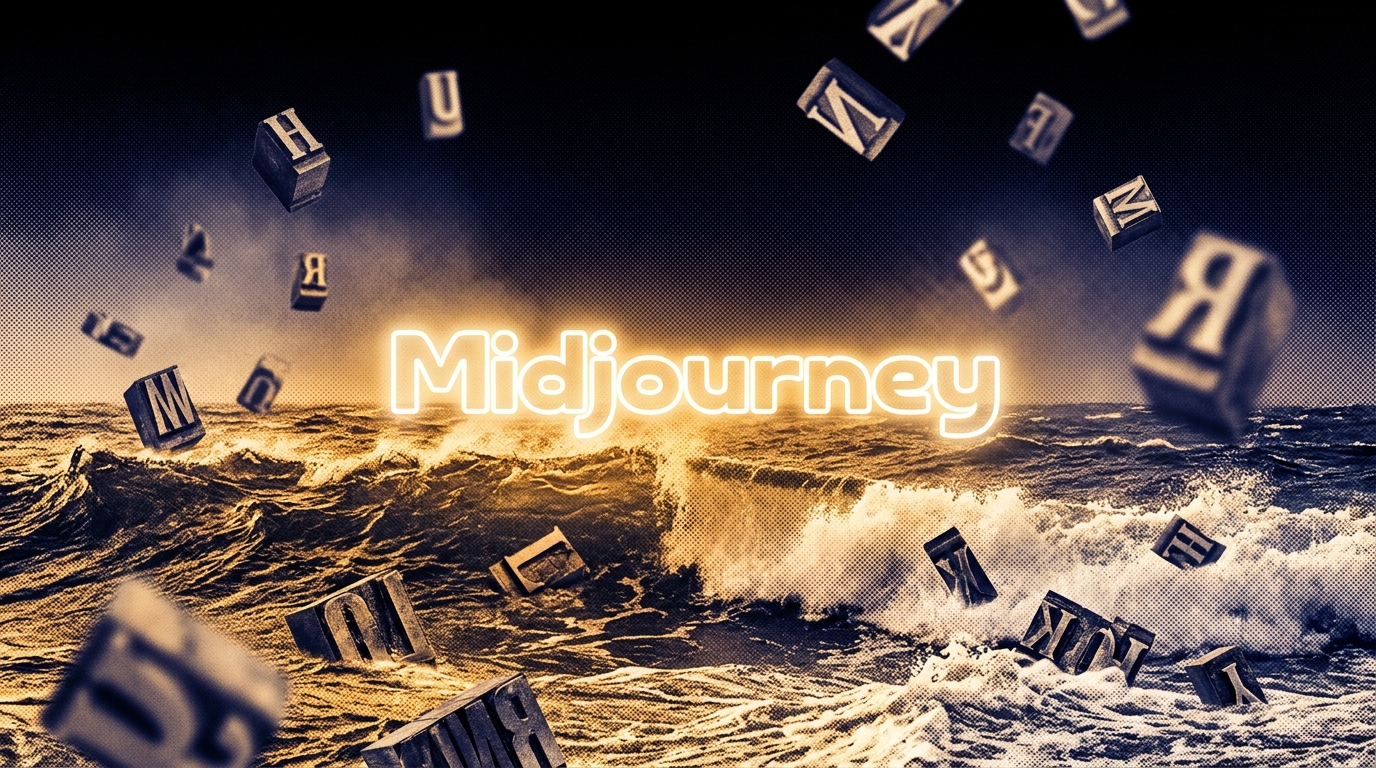
Midjourney V7 still makes the most beautiful AI images on the market. That's not really up for debate. The textures are richer, the lighting is more cinematic, and the compositions feel like someone with actual taste made them. If you're doing concept art or editorial illustration, nothing else comes close. The problem is that most people paying for Midjourney aren't doing concept art. They're making social graphics with headlines on them, and Midjourney renders "DISCOVER TOKYO" as "DICSOVER TOKY0."
That's not a cherry-picked failure. In testing of 100+ prompts requiring text, Midjourney produced clear readable text about 20-30% of the time. Ideogram hits 75%. ChatGPT's image generator lands around 97% on design accuracy. If your job involves putting words on images, and most marketing jobs do, Midjourney is actively fighting you.
Pricing starts at $10/month for Basic (roughly 200 images), $30 for Standard with unlimited relaxed generation, and goes up to $120 for Mega. That $10 entry point sounds cheap until you realize ChatGPT Plus at $20/month gives you image generation, text chat, code, research, and file analysis in one subscription. The per-image math is brutal: Midjourney Basic works out to about $0.05 per image while ChatGPT Plus effectively costs around $0.004.
The product itself has improved. V7 became the default in June 2025 and brought Draft Mode for faster ideation, a proper web interface so you're not stuck in Discord, and something called Omni Reference that helps keep characters consistent across images. V8 Alpha is live in preview with early reports calling the style stability impressive. David Holz, Midjourney's CEO, said V7 is "much smarter with text clues" and that "image quality is noticeably higher with beautiful textures." He's right about the quality. The text clues part is still generous.
One NAV43 reviewer captured what using any AI image tool actually feels like: "You love 85% of the output, but you cannot edit the other 15% without regenerating the entire thing." That frustration hits harder with Midjourney because the aesthetic ceiling is so high. You get this gorgeous image and then the headline says "OPEEN" instead of "OPEN."
Meanwhile the competitive landscape shifted fast. Sam Altman called ChatGPT's image upgrade "like going from GPT-3 to GPT-5 all at once." Canva CEO Melanie Perkins said the company is building "the most accessible, agentic AI platform in the world." Google's ImageFX is completely free. Midjourney's $500 million in annual revenue with about 40 employees and zero outside funding proves the business works. But the category it dominated splintered into five different jobs, and Midjourney is only the best at one of them.
Keep Midjourney if you do creative work where visual style matters more than text accuracy. Concept art, mood boards, hero images, editorial illustration. That's where the $10/month is genuinely worth it. Everyone else making marketing graphics, social posts, or anything with words on it should cancel and use ChatGPT's image tools or Ideogram's free tier instead. You'll get worse aesthetics and correct spelling, which for most work purposes is the better trade.
IN OTHER NEWS
+ An AI coding agent deleted a startup's entire production database in 9 seconds — leaving car rental customers stranded with no reservations, no records, and no way to pick up their vehicles
+ Anthropic's most restricted AI model was leaked to a Discord group that simply guessed the URL — no hacking required
+ The EU is telling Google to open up Android to rival AI assistants — Google calls it "unwarranted intervention," regulators could force changes by July
+ AI hiring startup Mercor is facing seven class-action lawsuits after hackers stole four terabytes of data including recorded interviews, biometric scans, and screenshots from workers' computers
+ Claude Code is accidentally leaking API keys into public package registries — researchers found 428 exposed packages on npm alone
+ The Pentagon now has 1.3 million people actively using its AI platform and they've already built over 100,000 AI agents on it
+ House Democrats are making AI data centers a midterm election issue, targeting the rising electricity costs that come with the AI boom
AI TOOLS
+ Wispr Flow (sponsored): The new viral voice-to-text AI for iPhone and Mac that actually understands what you're saying every time
+ Superpower (sponsored): The health app that tests your blood and uses AI to tell you what's actually going on with your body before your doctor does
+ Google Gemini for Mac: Google finally launched a native Mac app for Gemini — hit Option + Space from anywhere on your computer to ask questions, summarize what's on your screen, or pull files from Google Drive without opening a browser
+ Cursor 3 'Glass': The AI coding editor shipped a major redesign that lets you launch multiple AI agents working on different parts of your codebase at the same time — each with its own conversation and live preview
+ Gemini Agentic Trading: The crypto exchange now lets you connect ChatGPT or Claude directly to your trading account so an AI agent can monitor markets, execute trades, and manage risk on your behalf using plain-language strategies
+ GitLab glab CLI: Developers can now give AI assistants like Claude and Cursor direct access to their GitLab projects — so the AI can read issues, review code, and check pipelines without you copy-pasting anything from the browser
+ OpenAI Agents SDK: OpenAI updated its developer toolkit so AI agents can now run inside secure sandboxes with approval gates — meaning they can handle sensitive files and long-running tasks without accidentally touching things they shouldn't
That's the Lab for this week. If a tool in here saved you time or wasted it, tell us — reply directly.
Written by Jason Chen, Advait Prakash, Andrew Hales, and the Thorium Valley crew.
That's all for today's Lab. See you next time.