

 Google Bundles AI Free. Microsoft Charges $30 Extra. Which Bet Wins? Google Bundles AI Free. Microsoft Charges $30 Extra. Which Bet Wins?
|
|
This AI Mutes Your Dog and Takes Your Notes
|
|
Sora Is Dead. Here's What Actually Replaced It.
|
What else happened today?What AI tools should I be using?Good Morning Thorium Valley, welcome back to The Lab.
Today we're looking at two companies with completely different ideas about how much AI at work should cost you.
We're also testing a meeting tool that kills your background noise and takes your notes without ever announcing itself to the call.
And we're figuring out what actually replaced the AI video generator that just got shut down after making almost no money.
Quickly before we dive in — Be honest — how many AI tool free trials are you currently forgetting to cancel?

PRODUCTIVITY
One includes AI in every plan. The other treats it like a luxury add-on. The cost gap is wild.
Google Workspace now ships Gemini AI in every business plan, starting at $7 per user per month — the $14 Business Standard tier unlocks the full suite across Gmail, Docs, Sheets, Slides, and Meet. Microsoft 365 Copilot costs $30 per user per month on top of your existing subscription. For a 100-person team, that difference adds up to tens of thousands of dollars a year before you've even measured whether anyone's using it.
Google's bet is that if AI is just there, people will use it. You open Gmail and Gemini summarizes your inbox. You open Docs and it drafts from your files. March 2026 updates added style-matching in Docs, AI fill in Sheets, and an "Ask Gemini" search bar in Drive. No separate purchase, no IT approval. It's baked in.
Microsoft's bet is different — Copilot is a premium product and it prices like one. And the companies that go all-in are reporting staggering numbers:
+ Wipro hit 95% monthly active usage across 100,000 seats and saved 250,000 employee-days per quarter
+ TCS reported 20–25% productivity gains
+ Accenture rolled it out to 743,000 people with 89% monthly usage
Those numbers are real — but none of these companies flipped a switch. Wipro built 29,000 custom agents. Accenture ran a multi-quarter change-management operation to get leaders on board. Most companies won't do that. Uber blew through its entire AI budget in four months and had to cap spending.
Gemini's Workspace AI is genuinely good for email, meeting summaries, and drafting — the stuff most people actually do all day. Where it falls short is Sheets: large datasets cause slowdowns and the AI tends to generate summaries rather than formulas. Excel Copilot is meaningfully better for anyone doing serious number work.

If your company runs on Google Workspace, you already have AI and most of your team probably hasn't noticed yet. Turn it on, point people to Gmail summarization and Docs drafting, and you'll get real value without a procurement fight. If your company runs on Microsoft 365 and you're considering Copilot, know that the $30 per seat only pays off if you're willing to invest in training and adoption like it's a company initiative, not a software update. For most teams, Google's bundled approach gets you 80% of the value at a fraction of the cost. Copilot is the better tool for complex Excel work and large-scale enterprise workflows, but only if someone is willing to make sure people actually use it.
PRODUCTIVITY
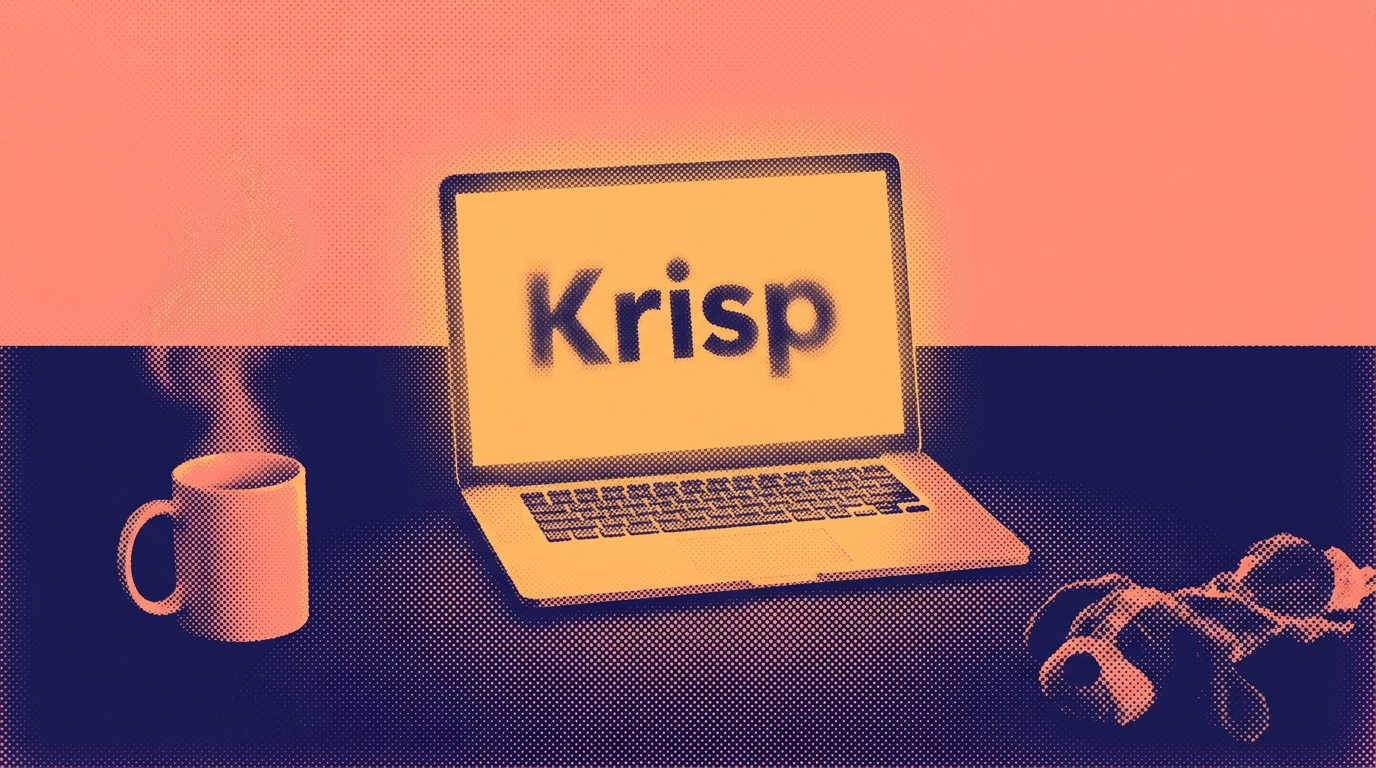
Krisp has been quietly running on millions of devices for years, mostly known as the thing that makes your barking dog disappear from Zoom calls. But the company has been building a full AI meeting assistant on top of that foundation — and the result is a tool that does something most competitors don't: it works without dropping a bot into your call.
That bot-free approach is what separates Krisp from tools like Otter and Fireflies. There's no "Krisp Notetaker has joined the meeting" moment that makes everyone go quiet and suspicious. It just runs locally on your machine, pulling out transcripts, summaries, and action items in the background. If you work with external clients who get weird about recording bots, this matters a lot.
The noise cancellation is still the main event. Reviewers who've tested it against Zoom's and Teams' built-in suppression say Krisp handles far more types of noise without distorting your voice. Your conferencing app will manage light background hum — Krisp handles chaos.
The meeting assistant features are solid but not spectacular. Transcripts land fast, speaker labels are usually accurate, and summaries pull out action items without reading like a legal deposition. Reviewers noted usable transcripts straight out of the box, something they couldn't say about competitors.
The obvious question: why pay for Krisp when Teams, Meet, and Zoom already summarize meetings? If you're deep in the Microsoft ecosystem and already paying for Copilot, the summarization overlap is real. Where Krisp earns its keep is everything that happens before the summary — real-time noise cancellation makes the audio cleaner for everyone on the call, which means better transcripts and summaries out. And the price gap is hard to ignore:
+ Pro ($12/mo): Unlimited transcription, AI notes, noise cancellation, 5GB storage
+ Business ($15/mo): Adds SSO and admin tools
+ Copilot ($30/user/mo): The enterprise alternative — great if you already have it, expensive if you don't
Krisp is worth it if you spend real time on calls and your environment isn't perfectly quiet. The noise cancellation alone justifies the install, and the meeting assistant features on top make the Pro plan a genuine bargain compared to enterprise add-ons like Copilot. If you already have Copilot and work in a silent home office, you probably don't need it. Everyone else should try the free trial and see how much cleaner their calls get.

DESIGN
OpenAI shut down Sora on April 26, 2026. The web app, the mobile app, all gone. The API stays alive until September, but the product had been dying for a while — as one industry board member told The Verge, there "wasn't anything that they were winning" against the competition. Sora generated roughly $2.1 million in total lifetime revenue. Kling, the tool most people switched to, now makes that every day and a half.
Here's where AI video actually landed:
Kling 3.0 is the value pick. Built by Kuaishou (a major Chinese short-video platform), Kling starts at $10/month and delivers native 4K, multi-shot storyboarding, and built-in audio sync. It now serves over 60 million creators and has generated more than 600 million videos. Filmmaker Jon Erwin used it to produce House of David "for a third of what the studios told us we needed" and called its native 4K "staggering." The catch: content moderation is aggressive (even medical prompts get filtered), and credits can quietly get expensive at higher resolutions, with some users reporting a single 10-second clip eating through $10 worth of credits.
Google Veo 3.1 is the quality leader. Nearly every comparison we read ranked Veo first on output quality and prompt accuracy. It generates native audio, does 4K in landscape and portrait, and understands complex instructions better than anything else out there. The catch: you need a Google AI Pro or Ultra subscription, per-video pricing adds up fast if you're iterating, and the best features are locked behind Google Cloud.
Runway Gen-4.5 is the pro tool. At $12/month for the Standard plan, Runway gives you the most creative control — motion brushes, camera direction, reference image matching. It's where agencies and editors live. The tradeoff: clips are short, credits burn fast, the Standard plan only gives you 25 seconds of top-tier output per month, and native audio support lags behind Kling and Veo.
If you need AI video and don't want to overthink it, start with Kling at $10 a month. It's the fastest way to get usable clips for social content, product demos, or marketing videos. If quality matters more than cost, Veo 3.1 is the ceiling. If you need precise creative control and you're comfortable in an editing workflow, Runway is the move. Sora was the name everyone knew. The tools that replaced it are better and cheaper, and they're already here.

EVERYTHING ELSE IN AI
+ Florida is suing OpenAI and Sam Altman alleging "disregard for the risk to human life"
+ Microsoft and OpenAI broke up — now they're building competing products
+ The U.S. closed a loophole that let Chinese firms buy advanced Nvidia chips through overseas subsidiaries
+ OpenAI's AI model disproved an 80-year-old math conjecture that stumped human mathematicians
+ Meta scaled back its employee tracking program after staff revolted over mouse and keystroke monitoring
+ Anthropic, DeepMind, and Meta are hiring philosophers and psychologists to investigate whether AI might be conscious
+ 87% of Americans want a human to sign off before AI can cut their job
+ A judge is forcing Elon Musk to hand over Tesla and SpaceX emails in the Apple–OpenAI lawsuit against xAI

OTHER TOOLS
+ Wispr Flow (sponsored): The new viral voice-to-text AI for iPhone and Mac that actually understands what you're saying every time
+ Superpower (sponsored): The health app that tests your blood and uses AI to tell you what's actually going on with your body before your doctor does
+ Gemini: Google just made Gemini's "Extended" thinking mode free for everyone — it lets the AI take more time to reason through hard questions before answering, giving you noticeably better responses without paying for a subscription
+ Meta Business Agent: Meta's new AI agent can answer customer questions, recommend products, and book appointments inside WhatsApp, Instagram, and Messenger — set it up in minutes and it works around the clock in your customers' language
+ Grok Build: xAI dropped Composer 2.5 inside Grok Build, a coding terminal that can run up to eight parallel agents on complex, long-running tasks — users are already comparing it to Claude Code
+ GitHub Copilot: GitHub Copilot now lets you swap in Google's Gemini 3.1 Pro and Gemini 3.5 Flash models across its CLI, cloud agent, and app — so developers can pick the best model for each task without leaving their workflow
+ Codex Sites: OpenAI's Codex can now build and deploy full websites from a chat prompt and give you a shareable URL — plus six new job-specific plugins for roles like sales, design, and data analytics that bundle 62 enterprise apps together
That's the Lab for this week. If a tool in here saved you time or wasted it, tell us — reply directly. Written by Jason Chen, Advait Prakash, Andrew Hales, and the Thorium Valley crew. Got a tool you want us to review? Reply with the name and we'll put it on the list.
Written by Jason Chen, Advait Prakash, Andrew Hales, and the Thorium Valley crew.
That's all for today's Lab. See you next time.