

 Most AI browsers aren't worth the switch Most AI browsers aren't worth the switch
|
|
The free AI tool that just breaks tasks into steps
|
|
Your AI slide tool is probably wrong for your job
|
Everything else in AIOther toolsGood Morning Thorium Valley, welcome back to The Lab.
Today we're looking at five AI browsers that want to replace Chrome and figuring out if any of them are actually worth the switch.
We're also trying out a free tool that does one thing: takes a task you've been avoiding and breaks it into steps so you actually start.
And we're sorting out which AI presentation tool fits what you actually need, because the most popular one might not be the right one for your job.
Quickly before we dive in — How do you actually figure out how to use a new AI tool?
PRODUCTIVITY
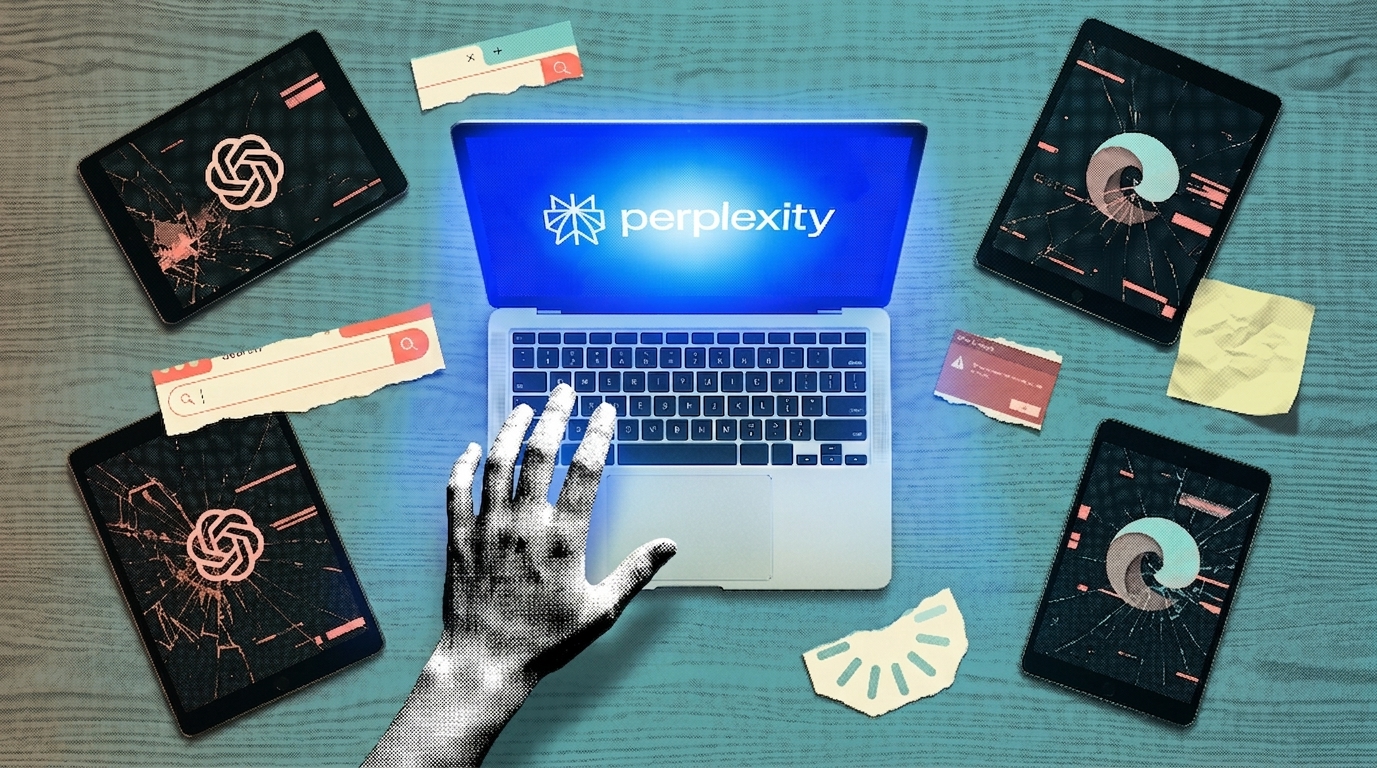
There are now five dedicated AI browsers pitching themselves as your Chrome replacement and personal research assistant: Perplexity Comet, ChatGPT Atlas, Fellou, Genspark, and Edge Copilot. We dug through major reviews, Reddit threads, and user teardowns to figure out if any of them are actually worth switching to.
The short answer: Comet is the only one that consistently changed how testers worked. Kahana's 200-hour benchmark put it at the top for research workflows — it pulls from multiple sources, cites its references, and handles multi-step browsing tasks at about a 75% success rate on complex forms. It's also free.
The rest of the field:
+ Atlas (OpenAI): The most ambitious and the most broken. It integrates ChatGPT into every tab, which sounds great until it tries to be helpful when you just want to search something. Agent mode requires ChatGPT Plus at $20/month.
+ Edge Copilot: Fine if you already live in Microsoft's ecosystem, but not a reason to switch.
+ Fellou: Customizable agents starting at $20/month.
+ Genspark: Offline model access at $25/month.
None of the last four justify changing your default browser.
Here's the detail that should give you pause about the whole category: some AI browsers don't just hallucinate facts — they hallucinate what's on the screen in front of them. Atlas tried to click a submit button that didn't exist on a page. And security researchers flagged the "summarize page" feature as one of the most exploitable attack surfaces in AI right now — malicious instructions hidden in a webpage can redirect what the AI does without you noticing. As MalwareBytes noted, "the weapon here is language, not code."
Victoria Song at The Verge tested several leading AI browsers and captured the core tension perfectly: "I spend a lot of time doing things for AI so that it can sometimes do things for me." That's how AI browsers feel in 2026. The promise is a browser that works for you. The reality is a browser that sometimes works and occasionally invents buttons.

If you do heavy research, Comet is worth trying — it's free, it cites sources, and it's the most reliable of the bunch. Everyone else should stay on their current browser and keep an AI tool open in a tab. You'll get most of the value without handing another company broad access to your browsing data and without the security risks of giving an AI agent permission to read and act on every page you visit.
PRODUCTIVITY
No login, no subscription, no chatbot. Just paste a task and go.
You know the feeling. You look at your to-do list, see "organize the garage," and immediately open Netflix instead. Not because you're lazy — because your brain can't figure out where to start.
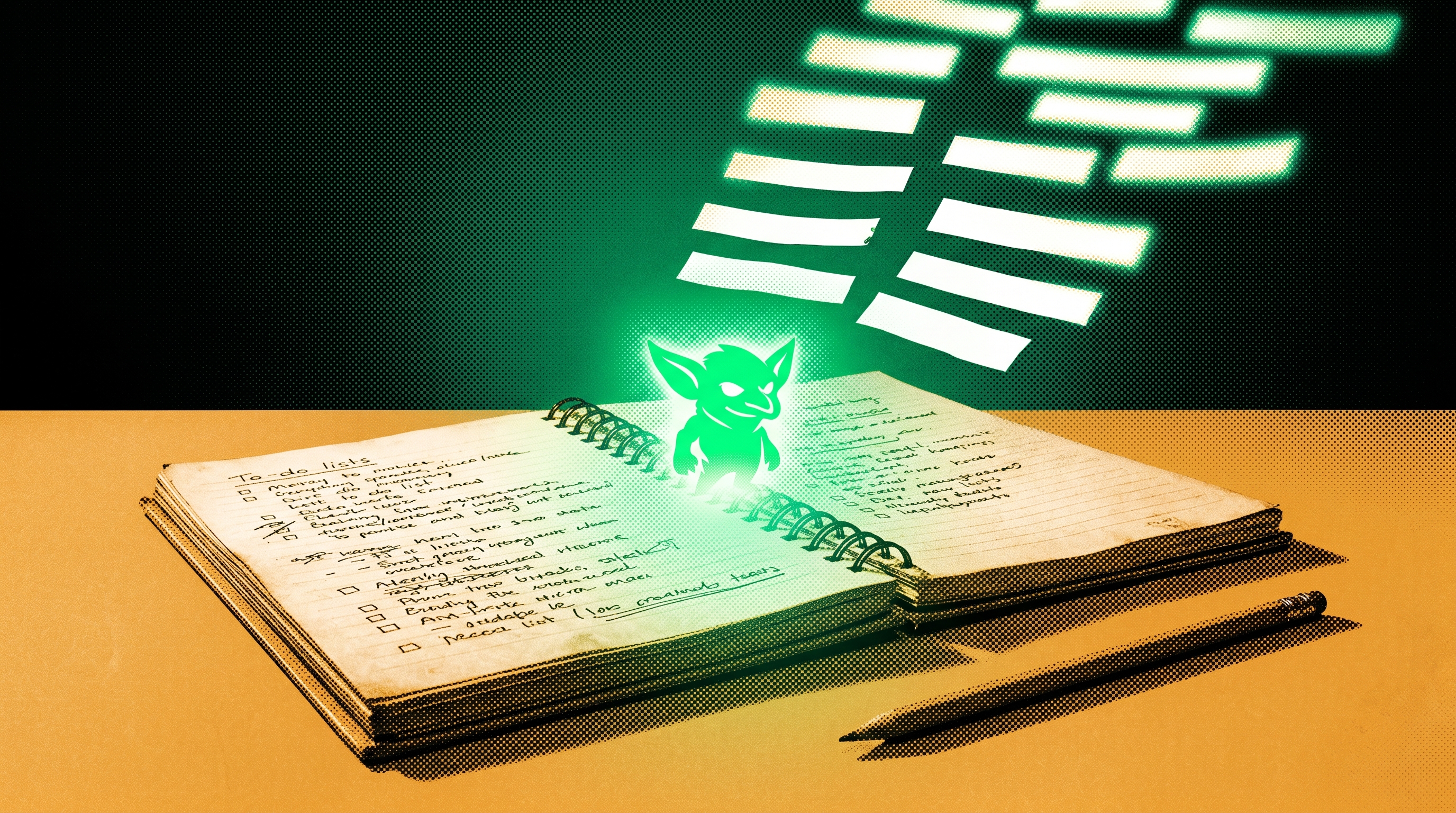
Goblin Tools fixes that one problem and nothing else. It's a free suite of single-purpose AI tools built by Bram De Buyser, a Belgian software engineer who made them for "people with spicier neural persuasions." The flagship tool, Magic To-Do, takes any task you type in and breaks it into subtasks. Each subtask can be broken down further. No chat window, no prompt engineering, no account required.
PCMag tested it on a full weekend of home projects and found that typing "set new mousetraps" produced a sequenced list from gathering supplies to positioning traps away from pets. None of it eliminated the actual work, but it eliminated the part where you stare at the ceiling trying to figure out what comes first.
Beyond Magic To-Do, the suite includes a handful of other single-purpose tools:
+ Compiler takes a messy brain dump and sorts it into a clean task list you can send straight to Magic To-Do
+ Estimator guesses how long a task will take
+ Formalizer rewrites casual messages into professional ones
+ Judge analyzes text for emotional tone
The people who love it most tend to be the ones it was built for. It's become a hit in ADHD communities and among those with executive functioning challenges, where the bottleneck isn't doing the work — it's figuring out where to start. That design philosophy actually echoes something we've covered before: research suggests AI that gives hints preserves independent thinking better than AI that gives direct answers. Goblin Tools is all hints.
It's not perfect. Abstract or emotionally complex tasks like "rekindle a long-distance friendship" produce generic suggestions — it works best when the task is concrete and bounded. There are also real questions about longevity: De Buyser runs this independently with roughly 375 Patreon supporters, no venture capital, and a $0.99 mobile app. In a market where ADHD apps are projected to hit $4 billion by 2029, Goblin Tools is charming precisely because it isn't trying to be a platform.
If you've ever frozen in front of a to-do list, just go try it. It takes a moment, costs nothing, and you don't need an account. It won't replace a full productivity system like Todoist or Notion, and it won't help with vague life goals. But for turning "plan the offsite" or "deep clean the apartment" into something you can actually start, few tools do it this fast with this little friction.

DESIGN
Gamma has 70 million users. If you've touched an AI presentation tool this year, it was probably Gamma. For a lot of people, that's the right call. But an Analyst Academy reviewer who tested 15 major tools found no single winner — the market has quietly split, and many people are stuck in the wrong lane.
Gamma wins on speed. You paste a memo, get a structured deck in under 60 seconds, and move on. For internal decks and quick updates, nothing else comes close. The tradeoff: its PowerPoint export is essentially broken. Fonts shift, layouts break, charts flatten into static images. If your client needs an editable .pptx, Gamma will cost you time on the back end.
Beautiful.ai wins on design enforcement. Its Smart Slides system auto-adjusts spacing and alignment as you add content, making it hard to produce ugly slides. A comprehensive comparison rated it highest for brand consistency. But the same Analyst Academy reviewer named it the worst tool he tested, calling the UX clunky and the output terrible. Pricing jumps from $12/month solo to $40/user/month for teams, and Trustpilot reviews flag an auto-renewing trial that requires a credit card upfront.
The best lens for this entire category comes from Beautiful.ai's own founder, who noted that companies treat AI "like a magic trick" and focus on novelty instead of workflow. The tool that looks impressive in a demo is rarely the one that saves the most time at work.
If you need a deck fast and you're sharing it as a link or PDF, Gamma at $8/month is the best value in the category. If you manage a team that needs consistent, polished output without a designer, Beautiful.ai is worth testing at $12/month solo, but watch that auto-renewing trial. The real mistake is picking one tool and using it for everything.

EVERYTHING ELSE IN AI
+ Elon Musk lost his lawsuit against Sam Altman — the jury took less than two hours to unanimously dismiss his $134B case on a technicality
+ Meta is forcing employees to train their AI replacements — then laying off 8,000 of them, all during the company's most profitable quarter ever
+ Anthropic will pay xAI $1.25 billion per month to rent Elon Musk's data center because xAI overbuilt and not enough people are using Grok
+ OpenAI claims it actually solved an 80-year-old math problem — after getting publicly embarrassed last time for claiming the same thing
+ Anthropic hired OpenAI cofounder Andrej Karpathy, the researcher Musk once called "arguably the #2 guy in computer vision"
+ SpaceX plans to buy AI coding startup Cursor for $60 billion right after its IPO, with a $10B breakup fee if the deal falls apart
+ Sam Altman offered $2M in OpenAI tokens to every Y Combinator startup in the current batch — not cash, just credits to use OpenAI's API
+ The Trump administration wants AI labs to share models with the government 90 days before public release under a new executive order expected this week
OTHER TOOLS
+ Wispr Flow (sponsored): The new viral voice-to-text AI for iPhone and Mac that actually understands what you're saying every time
+ Superpower (sponsored): The health app that tests your blood and uses AI to tell you what's actually going on with your body before your doctor does
+ Figma: The design platform now has a built-in AI agent that lives on your canvas — describe what you want in plain language and watch it generate, edit, and iterate on designs in real time alongside your human teammates
+ Gemini Spark: Google's new 24/7 personal AI agent goes beyond answering questions — it proactively manages tasks, gives you a personalized morning brief of your day, and connects to Canva, OpenTable, and Instacart to actually get things done on your behalf
+ Creatify: Describe the ad you need and this agent writes the script, picks the hook, casts AI characters, produces the video, and delivers platform-ready versions for TikTok, Meta, and Reels — all for about $5 per ad instead of $500+ with traditional production
+ Canva in Gemini: Canva is now embedded inside all four major AI assistants — Claude, ChatGPT, Copilot, and now Gemini — so you can generate fully editable, on-brand designs without ever leaving the chat
+ Google Pics: Google's new AI image tool built into Workspace lets you generate graphics from a prompt and then move, resize, or edit individual elements without regenerating the whole image — coming to Slides and Drive this summer
That's the Lab for this week. If a tool in here saved you time or wasted it, tell us — reply directly.
Written by Jason Chen, Advait Prakash, Andrew Hales, and the Thorium Valley crew.
That's all for today's Lab. See you next time.