

 A Free Autocomplete Tool That Never Leaves Your Mac. Here's the Catch. A Free Autocomplete Tool That Never Leaves Your Mac. Here's the Catch.
|
|
We Compared 16 AI Video Generators. The Price Gaps Are Absurd.
|
|
We Tested 6 AI Email Assistants. Most of Them Solve the Wrong Problem.
|
Everything else in AIOther toolsGood Morning Thorium Valley, welcome back to The Lab.
Today we're looking at a free autocomplete tool that lives on your Mac and never sends a keystroke to the cloud.
We're also comparing 16 AI video generators, because it turns out some of them cost 50x more than others for pretty much the same thing.
And we tested a bunch of AI email assistants only to find out most of them are speeding up the wrong part of your inbox.
Quickly before we dive in — Have you ever tried the AI way of doing something and gone back to doing it manually?

PRODUCTIVITY
Most AI writing tools send every keystroke to a server. Cotypist skips all of that. It's a free Mac app that installs a 3.2GB model directly on your laptop and autocompletes your typing in any app — email, Slack, Google Docs, your browser, anywhere on macOS. Gray text appears with a suggestion, hit tab to accept, keep typing to ignore.
The privacy angle is what makes it stand out. A Tom's Guide reviewer ran it through Little Snitch, a network monitoring tool, and reported it didn't send data off the device during testing. Compare that to the alternatives:
+ Grammarly processes your writing on their servers.
+ GitHub Copilot just tightened its usage caps and started pulling premium models from lower pricing tiers.
+ Cotypist requires no account, no subscription, has no usage caps, and runs entirely locally.
For anyone working with sensitive documents — or just uncomfortable with half-finished thoughts getting shipped to a data center — that's genuinely appealing.
The catch is that Cotypist isn't for everyone. If you type fast and think faster, the constant gray suggestions pull you out of flow. But for people who write a lot of repetitive or formulaic text — emails, reports, documentation — it's a different story. One Reddit user who writes repetitive technical documents called it "a lifesaver" that might "literally save my wrists from carpal tunnel."
The pattern is clear: the more formulaic your writing, the more useful Cotypist becomes. The more creative or fast-paced, the more it gets in the way.

Cotypist is worth installing if you have an Apple Silicon Mac (ideally with 16GB of RAM) and you write a lot of repetitive stuff like emails, reports, or documentation. It is currently free, generates suggestions locally, and is surprisingly good at predicting where your sentences are going. If you are a fast typist who rarely pauses, it will probably annoy you. It is still in beta and pricing may change, so grab it now while it costs nothing.
DESIGN
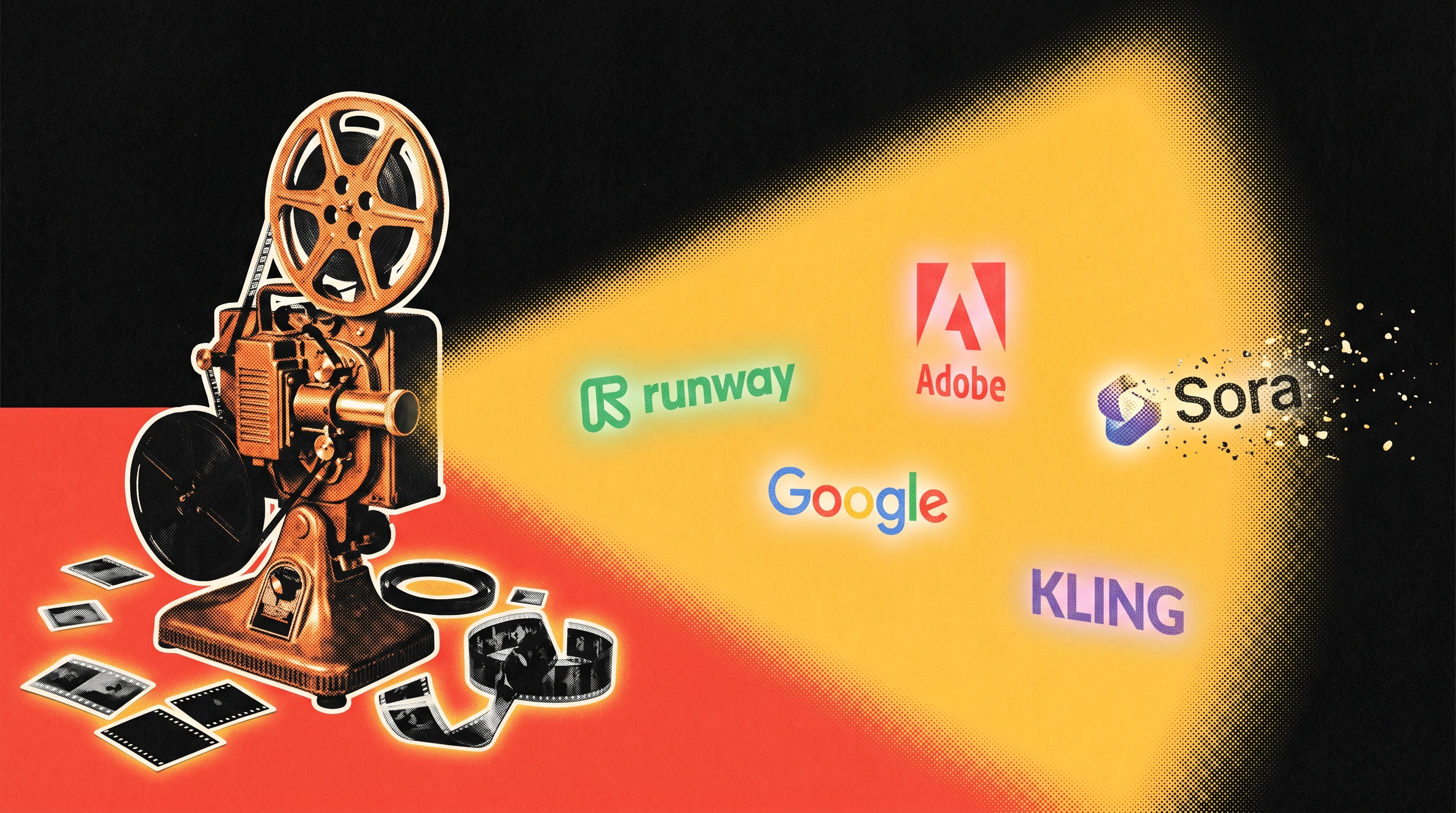
Sixteen AI video generators are on the market right now. They all make short clips from text prompts. A benchmark from AI Video Bootcamp normalized every tool to cost per second of output video, and the spread is genuinely absurd: Wan 2.6, an open-source model from Alibaba, costs roughly $0 per second on your own hardware. Adobe Firefly Video costs about $0.55. Fifty times the price. And across all of them, credits, subscriptions, per-second API charges, and bundled minutes make it nearly impossible to compare without doing the math yourself.
Meanwhile, the ghost haunting the whole market: OpenAI shut down Sora on April 26, 2026. The most hyped AI video tool of the last two years earned $1.4 million in total revenue while ChatGPT pulled in $1.9 billion in the same window. If OpenAI couldn't make video generation economics work, that should color how you evaluate every surviving tool on this list.
Once you normalize the pricing, here's where the real value lands:
+ Kling 3.0 has a free tier that outputs native 4K at 60fps. For social clips, you might never spend a dollar.
+ Runway Gen-4 at $12/month has the most transparent pricing and the best creative controls, including a Motion Brush tool that lets you paint movement onto specific areas of a frame.
+ Wan 2.6 is free to self-host if you own an RTX 4090 or better. The r/StableDiffusion community has built full production workflows around it.
+ Veo 3.1 from Google generates synchronized dialogue, sound effects, and ambient audio baked directly into the video. At $20/month, it collapses your entire audio pipeline into one step.
+ Adobe Firefly Video is expensive per second, but it's one of the few generators offering IP indemnification — Adobe will legally defend you if someone claims your AI video infringes their copyright. For brands and agencies, that premium is cheap insurance.
The most expensive tool per second is not the best. The most famous one is dead. Start with Kling's free tier or Runway at $12/month, move to Veo 3.1 if you need built-in audio, pay Adobe's premium only if you need legal cover, and if you have the GPU hardware, Wan 2.6 costs nothing and competes with tools charging $30 or more. Upgrade only when you hit a specific wall.

PRODUCTIVITY
Your inbox isn't slow because you type slow. It's slow because 62% of what lands there doesn't need you at all.
The average worker gets 117 emails a day, burning roughly 13 hours a week on email. So when Resident.com tested six AI email assistants across Gmail and Outlook, the real question wasn't whether they work — it was whether they fix the right thing.
Four of the six tools are just drafting assistants. They make you faster at replying but do nothing to reduce how many emails actually need your attention:
+ Proton Scribe writes emails inside Proton Mail and nowhere else.
+ Friday generates drafts in 18 languages but can't sort, filter, or follow up.
+ Gemini in Gmail is fast for quick lookups and scheduling but has no style memory and no automation beyond what Gmail already offers.
+ Missive is great for teams sharing an inbox, but at $24/user/month it's expensive for solo use — and its AI is bring-your-own-API-key.
The problem is most people are still using AI with an automation mindset, not an intelligence one. Drafting faster doesn't help when the real bottleneck is volume.
Only two tools in the test actually attacked that. SaneBox at $8.99/month just filters — it routes low-priority messages into a SaneLater folder, learns from your corrections, and sends a daily digest. The tester said they cleared 40 emails in under two minutes. No drafting, no AI replies. Just less noise. Lindy at $49.99/month goes further with full triage, contextual replies, follow-up tracking, and CRM integrations — but the price is steep and the setup is real. It's built for people drowning in 50-plus messages a day. Under 20 emails, it's not worth it.
If your inbox is too noisy, get SaneBox. It's $9 a month and it actually reduces what you see. If you're processing 50 or more emails a day and need end-to-end automation, Lindy is the only tool here that covers triage, drafting, and follow-ups in one place, but it costs $50 a month and takes real setup. If you just need help writing replies, skip the dedicated tools entirely. The other four assistants tested are fine products that solve a problem most people don't actually have.

EVERYTHING ELSE IN AI
+ Anthropic now has more business customers than OpenAI for the first time ever, according to expense data from 50,000+ companies
+ OpenAI launched a $4 billion consulting company with McKinsey, Bain, and Capgemini to deploy AI inside big enterprises — valued at $14 billion on day one
+ Anthropic and xAI teamed up because Dario Amodei and Elon Musk trust each other more than they trust Sam Altman
+ A Texas couple is suing OpenAI after ChatGPT told their 19-year-old son it was safe to mix kratom with Xanax — he died of an overdose
+ Google killed the Chromebook and replaced it with the "Googlebook," an Android laptop where Gemini is baked into the cursor itself
+ GitLab is laying off staff and restructuring for the "agentic era" — the company is profitable and growing, but says its org chart was built for an era that's ending
+ Nvidia partners with DeepMind's former reinforcement learning lead to build AI that learns from experience instead of human data — his startup raised $1.1B in a seed round
+ Isomorphic Labs raised $2.1 billion to scale its AI drug design engine, backed by Alphabet, the UK Sovereign AI Fund, and Thrive Capital
OTHER TOOLS
+ Wispr Flow (sponsored): The new viral voice-to-text AI for iPhone and Mac that actually understands what you're saying every time
+ Superpower (sponsored): The health app that tests your blood and uses AI to tell you what's actually going on with your body before your doctor does
+ Adobe for Creativity: A new connector lets you control Photoshop, Illustrator, Premiere, and 50+ other Adobe tools directly from a Claude chat — describe what you want and the AI picks the right app, runs the edits, and hands you the finished file without you ever opening the software yourself
+ Canva AI 2.0: Canva rebuilt its entire platform around AI so you can now describe a full marketing campaign, presentation, or document in a prompt and it generates every piece — images, layouts, copy, and animations — in editable layers you can tweak, not just a flat image
+ Google AI Pointer: Google is turning your mouse cursor into an AI tool — point at anything on screen and ask Gemini about it, like hovering over a table of stats and saying "make this a pie chart," or selecting products on a page and asking it to compare them, starting now in Chrome
+ Adobe Acrobat AI: Acrobat's new productivity agent turns PDFs into interactive workspaces called PDF Spaces — drop in files, links, and notes, and it auto-generates summaries, audio overviews, and a custom AI assistant your recipients can chat with to find what they need
+ Lovart: The design agent introduced Voice Mode, which lets you talk to the agent when creating projects
+ Weavable: Connects your HubSpot, Jira, Slack, Zendesk, and Notion into one layer that feeds AI agents the right context automatically — so instead of juggling five different integrations, your AI workflows pull from everything in one place and use up to 90% fewer tokens doing it
That's the Lab for this week. If a tool in here saved you time or wasted it, tell us — reply directly.
Written by Jason Chen, Advait Prakash, Andrew Hales, and the Thorium Valley crew.
That's all for today's Lab. See you next time.